
The Gap Between "AI Will Automate Everything" and Reality
You've heard the claims. AI will automate 30% of all tasks. Entire departments will be replaced. Every process will run itself.
The reality for most businesses is more nuanced — and more manageable. AI automation works best when it's applied to specific, well-defined tasks inside real business processes. And when it's done right, the results are significant: hours saved every week, errors eliminated, and teams freed up for higher-value work.
This post walks you through exactly how an AI automation project works — from the first conversation to a system running in production.
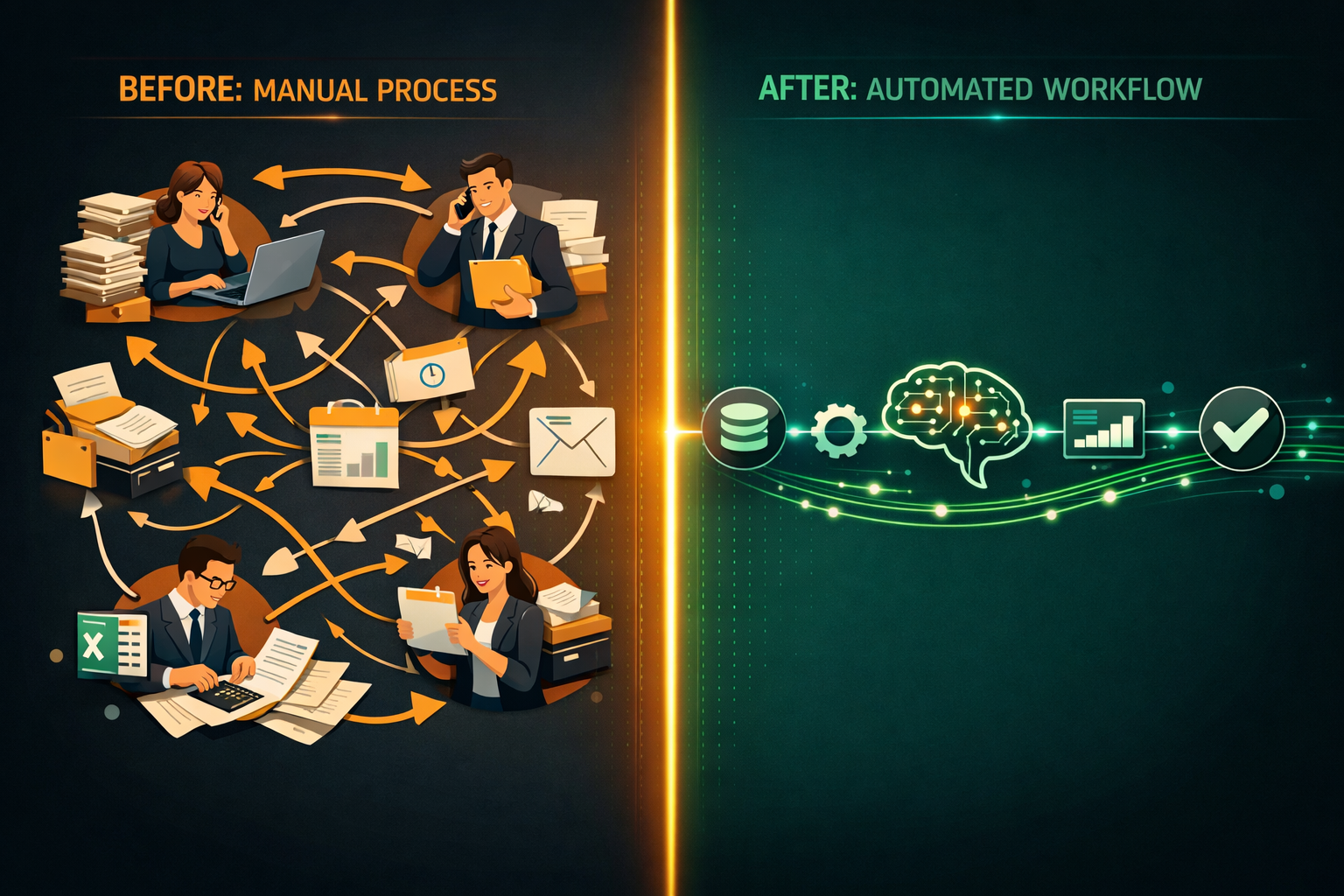
Step 1: Identifying the Right Process to Automate
Not every process is a good candidate for AI automation. The best candidates share a few characteristics:
- High volume — the task happens frequently enough that time savings compound
- Rule-based or pattern-driven — there is a consistent logic, even if the inputs vary
- Defined inputs and outputs — you can clearly describe what goes in and what should come out
- Currently manual — the task is being done by a person, not already automated
Common examples from businesses we work with: - Extracting data from supplier invoices and entering it into an accounting system - Classifying and routing incoming customer emails or support tickets - Generating first-draft sales proposals or reports from a template - Monitoring competitor pricing and flagging changes - Summarising meeting recordings or call transcripts
If you can describe the task in a clear set of rules or show ten examples of it being done correctly, it's a strong candidate.

Step 2: Scoping the Solution
Once we identify the right process, we scope the solution together. This involves:
Defining the input sources — Where does the data come from? Email attachments, a shared drive, a web form, a CRM export? Each source type requires different handling.
Defining the output actions — What should happen when the AI processes the input? Create a record in a database? Send a notification? Generate a document? Update a field in your CRM?
Setting accuracy and exception thresholds — AI is not 100% accurate. We agree upfront on what confidence level triggers automatic processing versus a human review queue. This is one of the most important conversations in any project.
Mapping the exception workflow — What happens when the AI isn't confident? Who reviews it, how, and in what time frame?
A proper scoping session usually takes 3–4 hours spread across 1–2 meetings. The output is a one-page technical brief that defines what we're building and what success looks like.
Step 3: Building a Proof of Concept
Before building the full system, we run a focused proof of concept (PoC). This typically takes 2–3 weeks and involves:
- Collecting a representative data sample — 50–200 real examples of the inputs your process receives
- Training or configuring the AI component — this could be a fine-tuned extraction model, a classification model, or a large language model with a structured prompt
- Running the PoC against the sample — measuring accuracy, edge cases, and failure modes
- Reviewing results with you — walking through what the AI got right, what it got wrong, and what the acceptable failure rate looks like in practice
Most clients are surprised by how good the PoC results are. They're also grateful they ran the PoC before full build — because it almost always surfaces at least one requirement that wasn't obvious at the start.
Step 4: Building the Full System
If the PoC hits the agreed accuracy targets, we move to full build. This phase typically takes 4–8 weeks depending on complexity and integration requirements.
The full system includes:
- The AI processing layer — the model or pipeline that handles the core task
- Input handling — connectors to your email, file system, or other data sources
- Output integration — API connections to your CRM, ERP, accounting platform, or other target systems
- Exception queue and review interface — a simple interface for your team to review and approve flagged items
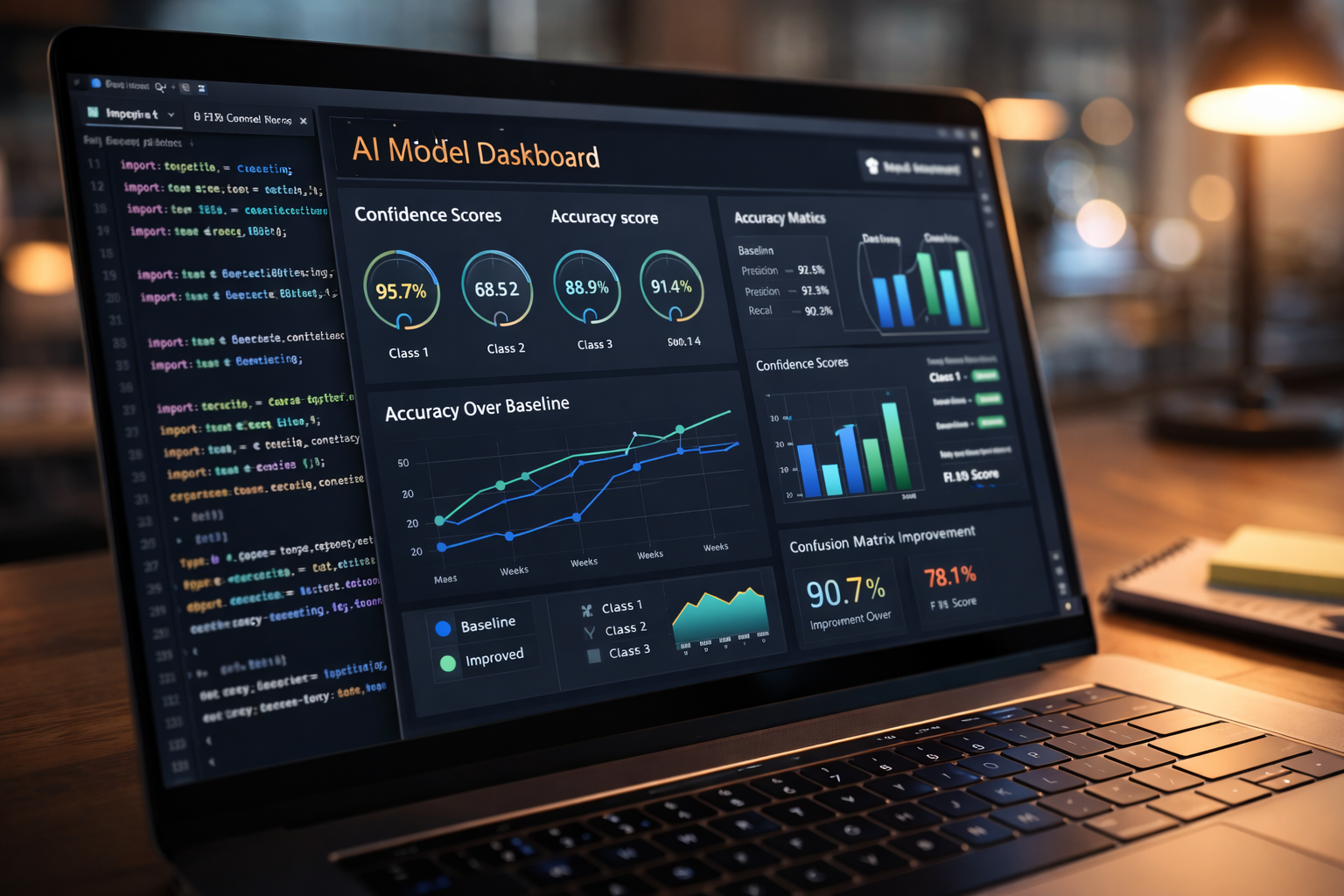
- Logging and monitoring — visibility into volume processed, accuracy rates, and any system errors
We do not build black boxes. Every system we deliver includes dashboards or reports so you can see exactly what it's doing.
Step 5: Handover and Ongoing Support
When the system is live, we run a structured handover:
- A walkthrough session with the team that will use and manage it
- Written documentation covering how it works, how to handle exceptions, and what to do if something breaks
- A 30-day hypercare period where we're available for any issues or adjustments
After handover, we offer optional monthly retainer support for monitoring, model retraining as data patterns shift, and adding new capabilities.

What Does It Cost and How Long Does It Take?
Every project is different, but here are realistic ranges:
| Project Type | Timeline | Investment Range |
|---|---|---|
| Single-task automation (e.g. invoice extraction) | 6–10 weeks | €5,000–€12,000 |
| Multi-step workflow (e.g. email triage + CRM update) | 10–16 weeks | €12,000–€25,000 |
| Complex pipeline with multiple integrations | 16–24 weeks | €25,000–€60,000+ |
These are build costs. Ongoing operational costs (AI API usage, hosting) typically run €100–€500/month for SMB-scale volumes.
What You Can Realistically Expect
Done well, AI automation delivers:
- Time savings of 60–90% on the automated task
- Error rate reduction of 80–95% compared to manual processing
- Payback period of 6–18 months for most SMB-scale projects
- Team morale improvement — people generally prefer working on complex, interesting tasks over repetitive data entry
What it does not deliver:
- Instant results — there is always a build and learning curve
- Zero exceptions — edge cases will always exist and need human handling
- One-time cost — AI systems need maintenance as data patterns evolve
Ready to Explore What Automation Could Do for You?
The best starting point is a no-obligation conversation about a specific process you want to automate. In 30 minutes, I can tell you whether it's a strong candidate, what it would roughly involve, and whether the ROI makes sense.