ERP Integration with a B2B Portal — How It Actually Works
Why ERP Integration Makes or Breaks a B2B Portal
A B2B portal without ERP integration is just a fancy order form. Your team still has to manually enter orders into the system, update stock levels by hand, and maintain two separate product databases. That defeats the entire purpose.
The integration between your ERP and your B2B portal is what transforms online ordering from "another thing to manage" into an actual time-saver. When done right, data flows automatically in both directions: product information and stock levels go from the ERP to the portal, and orders flow from the portal back to the ERP.
This article explains how that integration works in practice — the technical approaches, the data that needs to move, the timeline, and the things that commonly go wrong.
Three Integration Approaches
1. API Integration (Recommended)
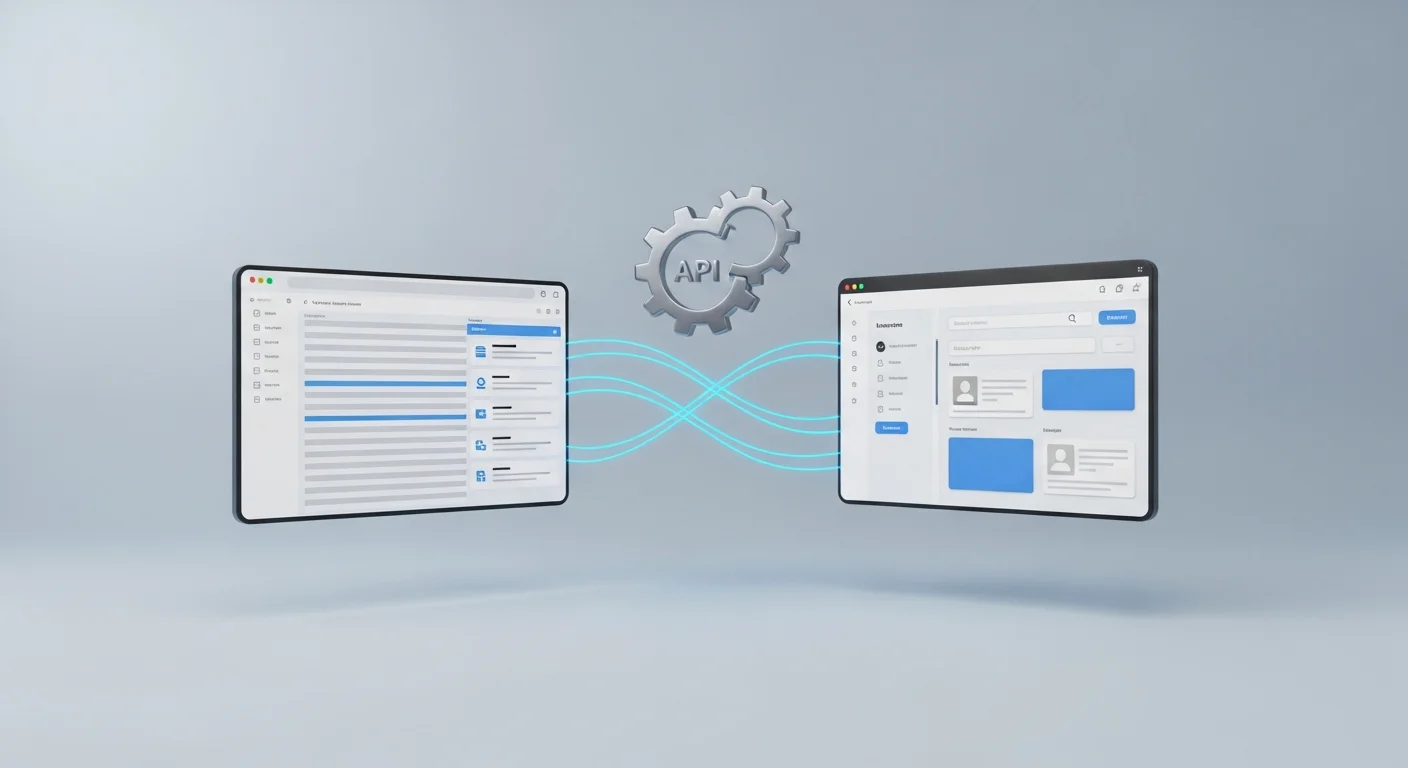
The ERP exposes an API (Application Programming Interface) — a structured way for external systems to read and write data. The B2B portal calls the API to fetch products, prices, and stock levels, and pushes orders back through the same API.
Best for: Modern ERPs with REST or SOAP APIs (enova365, SAP Business One, Microsoft Dynamics, Comarch ERP XL)
Timeline: 3–5 days
Pros: Real-time data, reliable, bidirectional
2. File-Based Sync
The ERP exports data as files (CSV, XML, or JSON) to a shared location (FTP server, network folder, cloud storage). The portal picks up these files on a schedule, processes them, and drops order files back for the ERP to import.
Best for: Older ERPs without APIs, or systems where API access is restricted (Subiekt GT, some Optima configurations)
Timeline: 7–10 days
Pros: Works with virtually any ERP, low technical requirements on the ERP side
Cons: Not real-time (typically 15–60 minute sync intervals), more failure points
3. Direct Database Connection
The portal reads directly from the ERP's database and writes orders to designated tables. This is technically the fastest approach but carries significant risk — a bug in the portal could corrupt ERP data.
Best for: Almost never recommended. Only considered when no other option exists.
What Data Flows Between Systems
| Data | Direction | Frequency | Notes |
|---|---|---|---|
| Products (name, SKU, description) | ERP → Portal | Daily or on change | Full catalog sync |
| Prices (per client/group) | ERP → Portal | Every 15–60 min | Must reflect current price lists |
| Stock levels | ERP → Portal | Every 5–15 min | Critical for order accuracy |
| Product images | Manual or ERP → Portal | On change | Often managed separately |
| Orders | Portal → ERP | Real-time | Each order becomes a sales document |
| Order status | ERP → Portal | Every 15–60 min | Confirmed, shipped, invoiced |
| Invoices (PDF) | ERP → Portal | On generation | Clients download from portal |
| Client data | ERP → Portal | Daily | New accounts, updated terms |
Common Polish ERPs and Integration Realities
Subiekt GT (InsERT)
The most popular ERP among small and medium Polish businesses. Subiekt GT does not have a native REST API, but it supports:
- Sfera — InsERT's SDK for external integrations. Allows reading and writing data programmatically. Requires a Windows machine running the Sfera service.
- Direct database access — Subiekt uses a Firebird database. It is possible to read data directly, but writing should go through Sfera to maintain data integrity.
- File export — Subiekt can export product lists, price lists, and stock reports to CSV.
Typical integration approach: Sfera for orders (write), direct DB read + file export for products/prices/stock. Timeline: 5–7 days.
Comarch Optima
Optima offers an API through Comarch's integration platform, but its availability and quality depend on the module and version. Common approach:
- Optima API — available for newer versions, covers products, contractors, and documents
- File exchange — Optima supports XML import/export for most document types
- Direct SQL — Optima uses MS SQL Server; read access is straightforward
Typical integration approach: API where available, file exchange as fallback. Timeline: 5–8 days.
enova365
The most integration-friendly Polish ERP. enova365 has a well-documented REST API that covers products, prices, stock, orders, invoices, and contractors. Most B2B portal integrations with enova365 are pure API.
Timeline: 3–5 days.
SAP Business One
SAP B1 offers the Service Layer (REST API) and DI API. Both are well-documented. Integration is straightforward but SAP's data model is complex, so mapping takes longer.
Timeline: 5–7 days.
What Can Go Wrong (And How to Avoid It)
1. Price mismatches — The portal shows one price, the ERP has another. Usually caused by sync delays or different rounding rules. Fix: Sync prices every 15 minutes minimum, and validate prices at order confirmation against the ERP.
2. Stock overselling — Two clients order the last 10 units simultaneously. Fix: Reserve stock at order placement, not confirmation. Implement a stock buffer (show 95% of actual stock).
3. Product codes diverge — The ERP uses one SKU format, the portal another. Fix: Use the ERP's product code as the single source of truth. Never create a parallel coding system.
4. Sync failures go unnoticed — The file export breaks, and nobody notices for 3 days. Fix: Automated monitoring with alerts. If sync has not run in the expected interval, someone gets notified.
5. Character encoding issues — Polish characters (ą, ę, ś, ź) get mangled in file transfers. Fix: Enforce UTF-8 everywhere. Test with Polish product names before go-live.
Learn more about our B2B portal solutions and how we handle ERP integration. Not sure which portal option fits your business? See the platform comparison to evaluate SaaS vs. custom portal options.
If the bigger pain is documents rather than orders, the same ERP integrations power accounting AI agents — invoices from KSeF and email booked as drafts, bank statements reconciled automatically.
Let’s talk about your project
Free 30-minute consultation. We’ll figure out if and how I can help.