B2B Portal for Wholesalers — What It Is and What It Costs
What Is a B2B Ordering Portal?
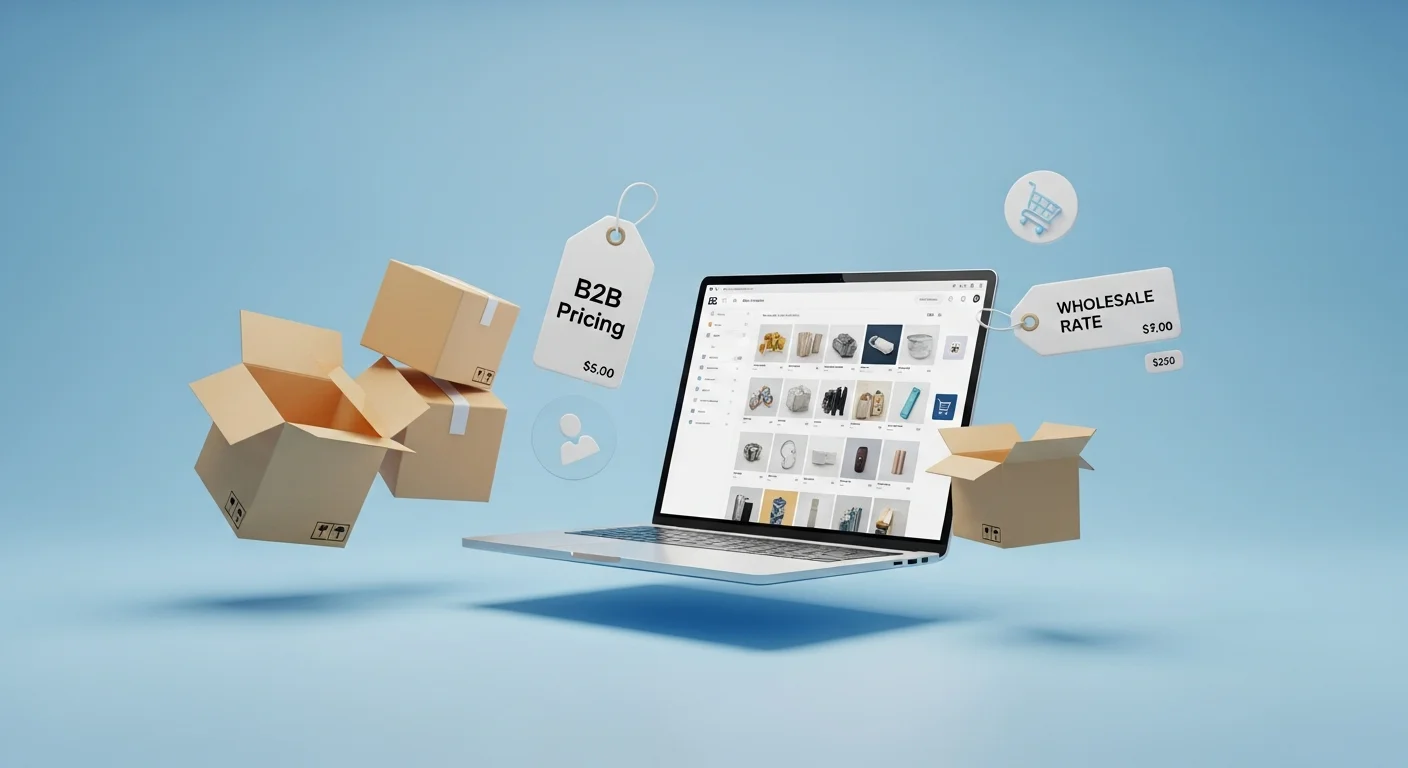
A B2B portal is a private online storefront where your business clients log in, browse your catalog, see their negotiated prices, and place orders — without calling, emailing, or sending a WhatsApp message. Think of it as an online shop, but exclusively for your wholesale customers, with pricing, payment terms, and product visibility tailored to each account.
It is not a public e-commerce site. There is no shopping cart for random visitors. Every user is an approved business customer with a login, a price list, and an order history.
Who Needs One (And Who Does Not)
A B2B portal makes sense when your order intake process has become a bottleneck. Common symptoms:
- Your sales team spends more than 2 hours per day entering orders that arrived by phone, email, or chat
- Pricing errors happen because someone quoted the wrong price list
- Customers call to ask "is product X in stock?" multiple times a day
- You have 50+ active B2B clients placing repeat orders
It does not make sense if you have fewer than 20 active clients and they order once a month. In that case, a shared spreadsheet or a simple order form works fine.
What a B2B Portal Replaces
Most Polish wholesalers still take orders through a mix of channels:
- Phone calls — the sales rep writes down the order, enters it into the ERP manually
- Email — the client sends a list, someone copy-pastes it into the system
- WhatsApp / SMS — quick but impossible to track, no order confirmation, no audit trail
- Fax — yes, some distributors still receive fax orders in 2026
Each of these channels requires a person to translate the client's request into a system entry. That person can misread a product code, apply the wrong discount, or simply forget to enter the order during a busy day.
A B2B wholesale portal eliminates the manual translation step. The client enters the order directly into the system, sees real-time stock levels, and gets an instant confirmation. For a detailed look at real deployment results, see the case study: alcohol wholesaler B2B portal.
Key Features
A functional B2B portal for wholesale needs these core modules:
-
Product catalog with search and filters — clients find products by name, category, or SKU. Product images, descriptions, and technical specs are optional but improve adoption.
-
Individual pricing per client — each account sees their negotiated prices. No more "let me check your discount" calls.
-
Real-time stock levels — synced from your ERP or warehouse system. Clients see what is available before they order.
-
Order history and reordering — one click to repeat a previous order. This alone saves significant time for clients who order the same products weekly.
-
ERP synchronization — orders flow into your ERP automatically. Product data, prices, and stock levels flow out to the portal. No manual data entry.
-
Invoice and document access — clients download their invoices, delivery notes, and account statements without calling your accounting department.
Manual Ordering vs. Portal: A Comparison
| Aspect | Manual (Phone/Email) | B2B Portal |
|---|---|---|
| Order entry time | 10–15 min per order | 2–3 min (client self-service) |
| Pricing errors | 3–5% of orders | 0% (system-enforced) |
| Stock visibility | Client calls to check | Real-time, always visible |
| Order confirmation | Manual email/call | Instant, automatic |
| After-hours ordering | Not possible | 24/7 |
| Order history | Dig through emails | One click |
| Staff required for order intake | 1–3 people | 0 (portal handles it) |
Realistic Costs
Custom B2B portal development for a wholesale business typically costs:
- Setup fee: €3,500–€5,990 (one-time) — includes design, development, ERP integration, testing, and deployment
- Monthly hosting and maintenance: €60/month — includes server, SSL, backups, updates, and basic support
- No per-order fees — unlike SaaS platforms that charge €0.50–€2.00 per transaction
For a wholesaler processing 500 orders per month, a SaaS platform with per-order fees would cost €250–€1,000/month just in transaction fees. A custom portal pays for itself within 4–6 months.
Deployment Timeline
A standard B2B portal deployment takes 2 weeks from kickoff to go-live:
- Days 1–3: Requirements gathering, ERP access setup, product data import
- Days 4–8: Portal configuration, branding, client account setup
- Days 9–11: ERP integration testing, order flow validation
- Days 12–14: Client onboarding, training, go-live
This assumes your ERP has an API or can export data in a standard format (CSV, XML, JSON). File-based integrations add 3–5 days.
When It Does Not Make Sense
Be honest about your situation. A B2B portal is overkill if:
- You have fewer than 20 active wholesale clients
- Your clients order less than once a month
- You sell fewer than 50 SKUs and pricing is the same for everyone
- You do not have an ERP system (or use Excel as your ERP)
In these cases, a simple Google Form or a shared order spreadsheet will do the job for a fraction of the cost.
Let’s talk about your project
Free 30-minute consultation. We’ll figure out if and how I can help.