
Vibecoding vs Agent-Based Development
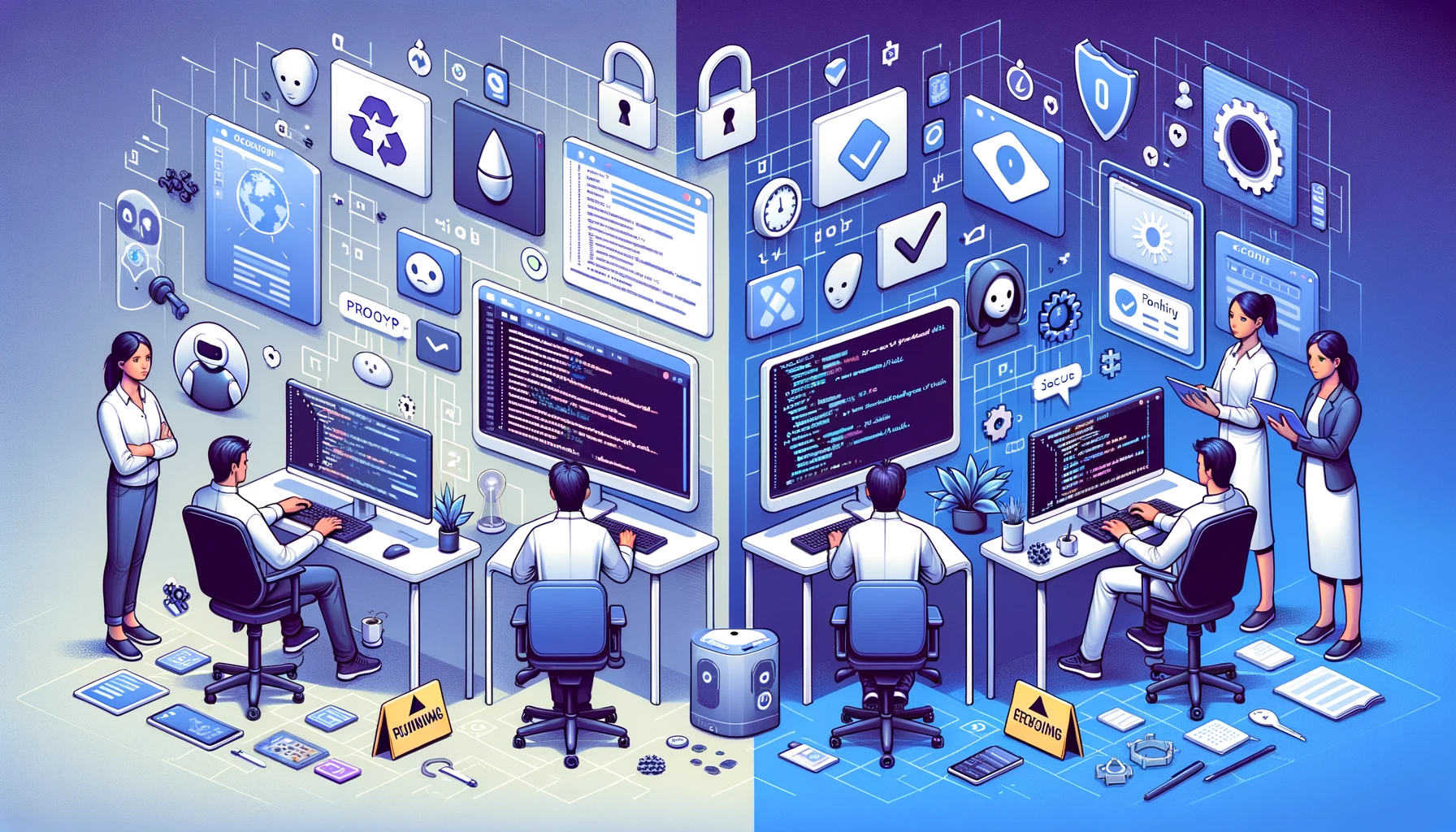
The Rise of Vibecoding
A new term has been making rounds in the tech world: vibecoding. The idea is simple and, honestly, appealing. You open an AI coding assistant, describe what you want in plain language, and watch as the AI generates an entire application for you. No CS degree required. No years of experience. No boilerplate. Just vibes.
And it works. Sort of. You can go from zero to a working prototype in an afternoon. Need a landing page with a contact form? Done. A to-do app with authentication? Twenty minutes. A dashboard pulling data from a spreadsheet? Vibecoded before lunch.
The appeal is real. Vibecoding democratises software creation — anyone with an idea and access to an AI assistant can build something that looks like a product. Founders prototype without hiring developers. Designers ship interactive concepts instead of static mockups. Non-technical team members automate their own workflows.
The barrier to creating software has never been lower.
But there is a catch.
The Hidden Cost of Speed
Vibecoded applications have a dirty secret: they look finished on the surface but are hollow underneath. The AI generates code that works for the happy path — the scenario where everything goes right and the user does exactly what you expect. Production software lives in the unhappy paths.
Here is what vibecoded projects typically lack:
- No tests. Not unit tests, not integration tests, not end-to-end tests. The code works until it doesn't, and you have no safety net when it breaks.
- No security audit. SQL injection, cross-site scripting, insecure authentication, exposed API keys — the AI does not think about attack vectors unless you explicitly ask.
- No architecture. The code is a monolith of generated functions: no separation of concerns, no consistent patterns, no thought given to who maintains it six months from now.
- No code review. Nobody has examined whether the generated code does what it claims, handles edge cases, or follows best practices.
- No error handling. When something goes wrong — and in production, something always goes wrong — the application crashes, shows cryptic messages, or silently corrupts data.
- No scalability considerations. Queries that work fine for ten users will bring your server down at a thousand.
For a hackathon demo or an internal proof of concept, this is fine. For a product that handles customer data, processes payments, or runs a business workflow, it is a liability.
The real cost of vibecoding is not the time to build. It is the time to fix, secure, and rebuild when things break in production.
A Different Approach: Agent-Based Development
What if you could keep the speed of AI-assisted development but add the discipline that production software demands?
That is the premise behind agent-based development with human oversight. Instead of one person prompting one AI to generate an entire application, you deploy multiple specialised coding agents — each responsible for a specific phase of the software development lifecycle — while a human developer reviews and approves the key decisions.
Think of it as a virtual development team:
- Product Owner agent — takes your feature requirements and turns them into structured user stories with acceptance criteria, edge cases, and scope boundaries
- Architect agent — designs the technical solution: database schema, API contracts, component structure, data flows. Security, performance, and maintainability are considered from the start — not bolted on later
- UX Designer agent — creates user flows, interaction patterns, and validates that the feature fits within the existing application's design system
- Frontend Developer agent — implements UI components, pages, routing, and client-side logic following established patterns in the codebase
- Backend Developer agent — builds the API endpoints, database migrations, business logic, and server-side validation
- Code Reviewer agent — examines every piece of generated code for bugs, security vulnerabilities, logic errors, and adherence to project conventions
- QA Engineer agent — writes test cases covering happy paths, error paths, and edge cases
- Manual Tester agent — executes those test cases against the running application, takes screenshots, and files bugs with reproduction steps
Each agent has access only to the tools relevant to its role. The frontend developer cannot modify database migrations. The QA engineer cannot change implementation code. This separation of concerns exists at the agent level, just as it does in a human team.
How a 2-4 Hour Sprint Works
Here is what an agent-based sprint looks like in practice. A feature that would take a traditional team one to two weeks gets compressed into two to four hours.
Phase 1: Requirements (15-20 minutes)
The Product Owner agent takes your feature description and produces a structured Feature Brief. It asks clarifying questions: Who is the primary user? What happens if the input is invalid? Are there regulatory constraints? What is out of scope?
Human role: You review and approve the Feature Brief. This is your chance to catch misunderstandings before a single line of code is written.
Phase 2: Architecture (15-20 minutes)
The Architect agent reads the approved requirements and designs the technical solution. It examines the existing codebase — database schema, API patterns, frontend conventions — and produces an architecture document specifying exactly what needs to be built and how.
Human role: You review the architecture. Does this approach make sense? Are there constraints the agent missed? Is this the right trade-off between simplicity and flexibility?
Phase 3: UI Mockups (10-15 minutes)
The UX Designer agent creates interactive mockups using the project's actual UI components. These are not wireframes — they are functional prototypes built with the real design system.
Human role: You review the mockups. Does the flow feel right? Are the interactions intuitive? Does it match your product's visual language?
Phase 4: Implementation (45-90 minutes)
This is where most of the time goes. The Frontend and Backend Developer agents work in parallel, implementing the feature according to the approved architecture. Each agent makes atomic commits, compiles after every change, and fixes any issues it introduces.
Human role: Minimal during this phase. The agents follow the approved architecture.
Phase 5: Code Review (15-20 minutes)
The Code Reviewer agent examines every file changed by the developer agents. It checks for security vulnerabilities, logic errors, performance issues, and adherence to project conventions. Issues are filed and the developer agents fix them.
Human role: You can review the findings and override where you see fit.
Phase 6: Testing (20-30 minutes)
The QA Engineer writes test cases. The Manual Tester executes them against the running application — filling forms, clicking buttons, verifying that everything works as specified. Bugs are filed with screenshots and reproduction steps. Developers fix them. The tester retests.
Human role: You review the test results and approve the feature for deployment.
Phase 7: Deployment
The feature is ready. Code is reviewed. Tests pass. Security has been checked. Architecture is sound. You merge and deploy.
Total elapsed time: two to four hours. Total human effort: thirty to sixty minutes of review and decision-making.
What Humans Still Control
This is not about removing humans from software development. It is about removing humans from the parts that do not require human judgement — and keeping them firmly in control of the parts that do.
Humans decide:
- What to build (requirements and scope)
- How to build it (architecture approval)
- What it looks like (UI/UX review)
- Whether it is good enough (final QA acceptance)
- When to ship (deployment decision)
Agents handle:
- Translating requirements into structured specs
- Designing technical solutions within established patterns
- Writing implementation code
- Reviewing code for bugs and vulnerabilities
- Writing and executing test cases
- Filing and fixing bugs
You are the decision-maker and quality gate. The agents are the workforce. That division of labour is what makes it possible to maintain quality at speed — without adding headcount.
The Comparison: Side by Side
| Dimension | Vibecoding | Agent-Based Development |
|---|---|---|
| Speed to first output | Minutes to hours | 2-4 hours |
| Code quality | Unpredictable, no review | Reviewed, follows project conventions |
| Security | Not considered | Audited at code review phase |
| Test coverage | None | Full test cases, executed against running app |
| Architecture | Emergent/accidental | Deliberately designed and approved |
| Scalability | Unknown | Considered during architecture phase |
| Maintenance cost | High (technical debt from day one) | Low (clean, reviewed, tested code) |
| Team size needed | 1 person + AI | 1 person + AI agent team |
| Best for | Prototypes, demos, MVPs | Production features, client projects |
| Risk profile | High for production use | Low — same rigour as traditional dev |
When Each Approach Makes Sense
Vibecoding and agent-based development are not enemies. They solve different problems.
Use vibecoding when:
- You are building a prototype to validate an idea
- The application is internal and does not handle sensitive data
- Speed matters more than durability
- You need a demo or proof of concept for a stakeholder meeting
- You are exploring a technology and want to learn by building
- The project is a hackathon, a side project, or a one-off tool
Use agent-based development when:
- The feature will go to production and serve real users
- The application handles customer data, payments, or sensitive information
- You need the feature to be maintainable by a team over time
- You are working on a client project where quality is non-negotiable
- The domain is regulated — healthcare, finance, legal
- You need to move fast but cannot afford to accumulate technical debt
- You want the speed of AI-assisted development without sacrificing a proper engineering process
The best teams use both. Vibecode the prototype to validate the idea in a day. Then use agent-based development to build the production version in a sprint.
The Bottom Line
Vibecoding is a genuine breakthrough for prototyping. It has made software creation accessible to people who never thought they could build an app. That matters.
But production software requires more than a working demo. It requires architecture, security, testing, code review, and maintainability. These are not optional extras — they are the difference between a prototype and a product. Most vendors won't tell you that upfront, but shipping vibecoded code to production is not moving fast. It is borrowing time you will pay back at a much higher rate. Browse the full range of AI development and automation services to see how this fits into a broader AI adoption strategy.
Agent-based development with human oversight gives you the speed of AI-assisted development and the discipline of a professional engineering process. A feature that takes a traditional team two weeks gets delivered in two to four hours — with the same quality gates, the same reviews, and the same testing discipline.
The question is not whether to use AI for software development. The question is how much rigour you need — and whether you are building a demo or a product.
If you are building a product, the agents are ready.
Let’s talk about your project
Free 30-minute consultation. We’ll figure out if and how I can help.