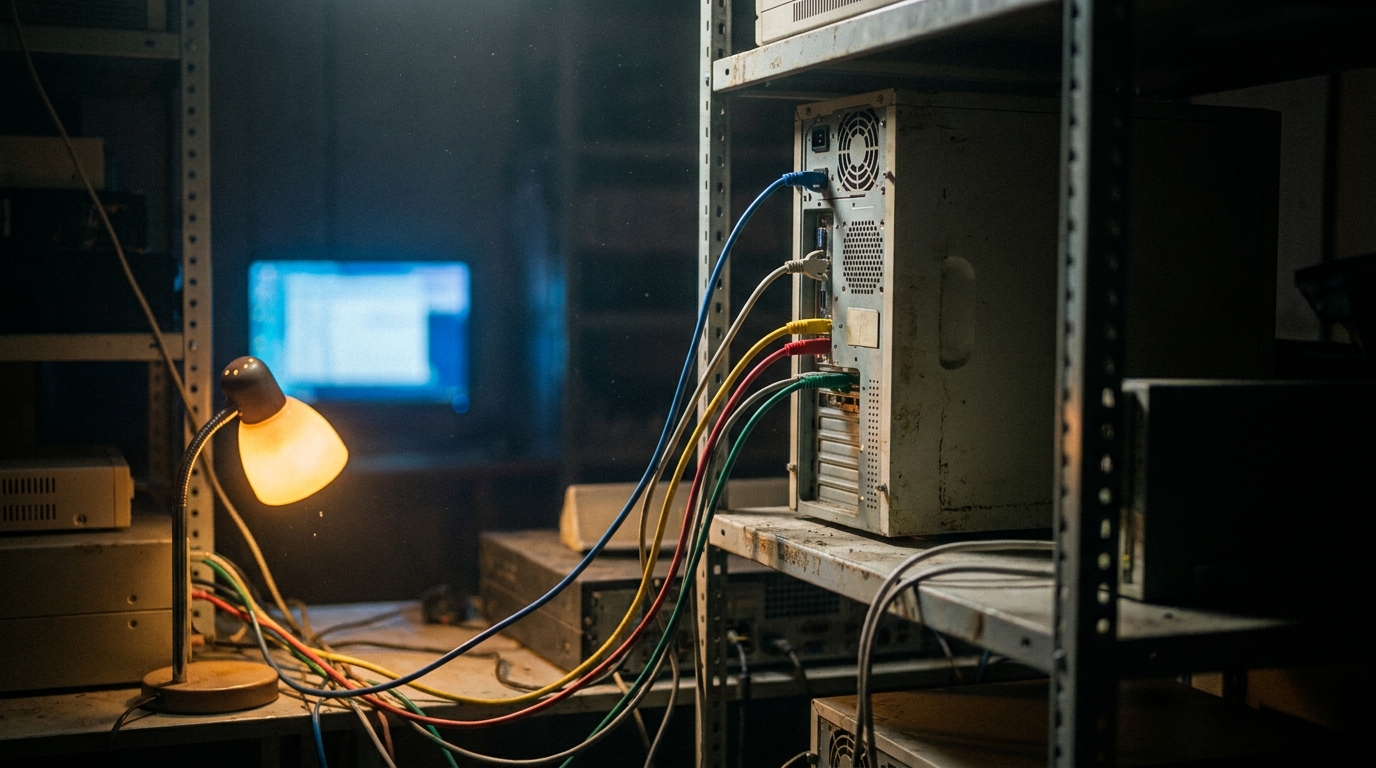
enova365 scheduled tasks — the nightly job that stopped running six weeks ago

Six weeks. That is my personal record for how long a nightly enova365 job can sit dead before anybody says a word.
And this was not a careless client. They had a competent internal administrator, a support contract with their partner, and a dashboard. What they did not have was anything that would notice absence.
This is the third and last of the routes data takes out of enova365. I wrote up the WebAPI pull at length and named the other two in the KSeF and JPK post: Harmonogram Zadań pushing outward, and a read-only SQL replica you will regret. The scheduler is the one worth a post of its own, because it is the only route that fails without producing an error, an alert, or a single line in anybody's inbox.
The scheduler works. That is not the same as the automation working
Harmonogram Zadań is a competent piece of software. enova365's own automation engine, organised around triggers and actions, and you can configure it to fire an outbound HTTP notification when something inside the system changes — a document status, a new invoice, stock crossing a threshold. It does what it promises.
The failure sits one level up. A scheduled job's real output is not the work it performs. It is a claim: this ran, and it was fine. In most installations I open, nobody has ever tested that claim, and there is no mechanism by which anybody could.
One caveat before you design anything around it, and it has not changed since the developer guide: not every installation has the scheduler configured for outbound webhooks. It ships in the product. Whether it is set up on the machine you are integrating with is a question for the administrator or the reseller — ask before you draw the architecture, not after. And if you do use it, your side needs a publicly reachable HTTPS endpoint. A VPN-only setup means routing work first.
Success and silence look identical
Here is the whole problem in one line. From outside enova365, a job that ran and found nothing and a job that never started leave exactly the same evidence behind: nothing.
Both states are extremely common. Only one of them is fine. A nightly reconciliation job legitimately finds nothing on a quiet Tuesday. That same job also finds nothing when the service is stopped, when the task came back disabled after an upgrade, or when its filter quietly stopped matching. All of it is invisible if your only signal is output arriving.
The fix is small, and almost nobody bothers. Make the job report what it looked at, not only what it found. A run that says checked 412 documents, 0 new is a healthy run. A run that says nothing is a question. The two messages cost the same to produce and differ enormously in what they let you conclude.
The heartbeat has to live outside enova365
Monitoring here has to be turned around. Most alerting fires on failure, which quietly assumes the failing system is well enough to complain. A scheduler that is not running cannot report that it is not running. So the alarm condition you need is not error. It is absence.
Concretely: every run writes a timestamp and a one-line summary to something outside the ERP — a table in your own database, a queue, a monitoring endpoint, whatever you already operate. A separate check, also outside, then alarms when that timestamp is older than the interval plus a margin. Fifteen minutes of work. It is the difference between finding out tonight and finding out at month-end.
Put the margin somewhere sensible. Too tight and you wake somebody every time a long import overruns. Too loose and you have rebuilt the original problem with extra steps. For a nightly job, interval plus half usually lands right.
The silent-run interval
This is the number I ask for before touching anything, and it costs one meeting.
For every scheduled job in the installation, answer two questions: if this stopped tonight, who notices, and when? The answer, in days, is that job's silent-run interval — the longest it could lie dead before a human stumbled across it.
The spread is wide, and it sorts itself into three groups. Jobs feeding a screen somebody opens every morning come in at hours. Jobs feeding a report read at month-end come in at two to four weeks. And there is always a third group where the honest answer is never: the job's only visible output is a file dropped in a folder, or a row written to a table nobody queries unless something else has already gone wrong.
Anything above a week is not automation. It is a bet. That framing ends the argument faster than any monitoring proposal, because it moves the conversation from tooling to exposure. It also tells you where to start — and it is not the most important job. It is the one with the longest interval.
Three things kill a working task, and none of them announce it
An upgrade or a server migration. This is the big one. Tasks come back disabled, or come back with changed behaviour, and nobody switches them on again because nobody had a list of what was running in the first place. If you take one operational habit away from this post, take the list — and keep it outside the system it describes.
A credential change. The task runs as some account, that account has a password, and the password gets rotated during a security review by somebody who has no idea a nightly job hangs off it. Same access problem as the access lag from the implementation-timeline post, turning up eighteen months later from the other direction. The task does not crash in any visible way. It authenticates, gets refused, and goes quiet.
A filter that stops matching. The nastiest of the three, because the job keeps running and keeps reporting success. Somebody edits a custom field definition, renames a document type or changes a dictionary value, and a condition that used to select two hundred records now selects zero. Exactly the drift I described in the custom fields post: a five-minute administrator action with no obligation to tell you, and your integration is the only party that will ever notice. It is also the precise case where checked 412 documents against checked 0 documents would have told you on the spot — while 0 new told you nothing at all.
The second run is where the money goes
Scheduled jobs run twice far more often than anyone plans for: a retry after a partial failure, a manual re-run by an administrator who was not sure the first one worked, or an overlap when a job takes longer than its own interval. If the work is not idempotent, every one of those leaves a duplicate behind.
Duplicates from a scheduler are quiet in a specific and expensive way. A duplicated invoice trips validation. A duplicated settlement does not — it settles something, matches against a real receivable, and surfaces weeks later as an inexplicably overpaid customer. Same failure I described for intraday statements in the MT940 import post, and the scheduler is the second common way to manufacture it.
So: give every unit of work a natural key, check before you write, and make overlapping runs impossible rather than unlikely. A lock is cheaper than a reconciliation.
What an agent should do here, and what it should not
The permission split from the liability post lands cleanly on this one, and unusually far down the scale. Nothing here needs write access. Nothing here needs to contact anyone.
The build worth shipping first is a watcher. It holds the expected schedule — which jobs, how often, what each one should plausibly have touched — compares that against what actually reported in, and puts the discrepancy in front of a person. It catches the disabled task, the silent authentication failure and the filter that stopped matching on the night it happens, not at the quarter's end. What it must never do is fix anything by itself. Switching a task back on after an administrator deliberately disabled it for an upgrade is precisely the kind of helpfulness that turns a monitoring tool into an incident.
One second-order benefit is worth naming. Once something tracks whether nightly jobs ran, you end up with an inventory of them — and in installations live for a few years, that inventory is a finding in its own right. Jobs nobody can explain the purpose of are common. So are two jobs quietly doing the same work.
Where I would start on Monday
Write the list. Every scheduled task, what it does, what account it runs as, and its silent-run interval. An afternoon, no software, no budget.
Then instrument the single job with the longest interval, in the shape described above: heartbeat out to somewhere you already watch, a summary line covering what was examined and not only what was found, and an absence alarm at interval plus half. One job, one week — and you will know whether the rest are worth doing.
Want a second opinion on your own list? Send me the scheduled tasks from one enova365 installation together with what each one feeds, and I will tell you which of them could be dead right now with nobody the wiser. Half an hour, no charge — get in touch.
Let’s talk about your project
Free 30-minute consultation. We’ll figure out if and how I can help.